
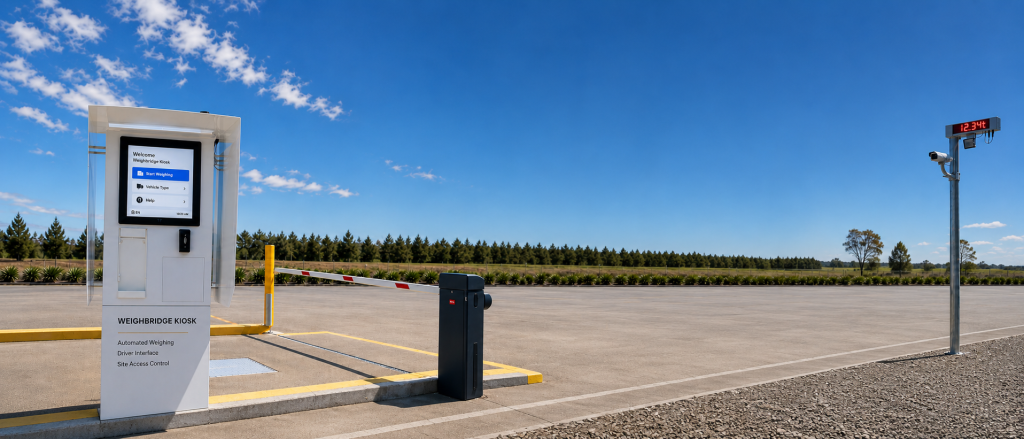
Automated weighbridge systems do more than record a vehicle’s weight. They bring identification, data entry, payment, ticket printing and access control into one coordinated process, helping a site reduce routine work, operate more efficiently and remain available beyond normal staffed hours.
Where manual weighbridge costs arise
A manual weighbridge may appear straightforward, but repeated small tasks add up. An operator must identify the vehicle or customer, confirm the transaction type, record the weight, accept payment where required, produce a docket and manage entry or exit equipment. When information is entered into more than one system, the risk of delays and transcription errors also increases.
Staffing can be particularly difficult for remote sites, extended operating hours and facilities with unpredictable traffic. Queues can form during busy periods, while quiet periods still require the site to remain attended. An automated system addresses these costs by connecting the individual steps into one controlled workflow.
How an automated weighbridge works
An automated weighbridge system guides a driver through the transaction at a self-service kiosk. The exact process depends on the site, but it can combine vehicle identification, indicator integration, payment, docket printing, access control and transaction records.
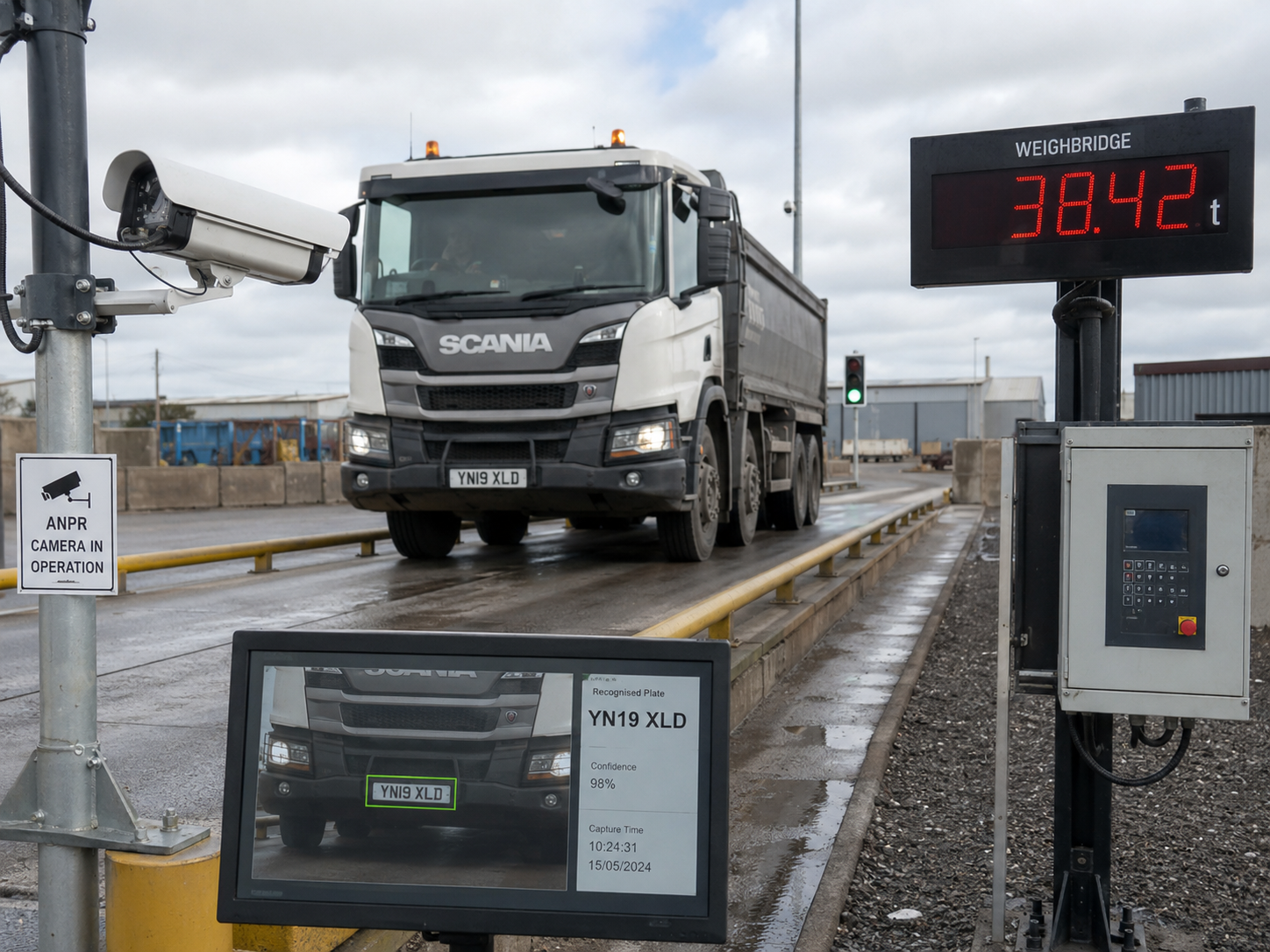
- Vehicle or customer identification: RFID, iButton, QR codes, PINs, customer accounts or automatic number plate recognition can identify an authorised user.
- Weighing indicator integration: The kiosk communicates with the site’s weighing indicator to obtain the required weight data.
- Payment: Public facilities can accept supported credit cards, debit cards, fleet or fuel cards, customer accounts and PIN-based payments.
- Documentation: A thermal printer can produce a customised docket containing transaction details, barcodes or QR codes.
- Site control: Boom gates, traffic lights, cameras, intercoms and external displays can be coordinated with the weighing process.
Reducing routine labour
The most direct benefit of automation is that routine transactions no longer require an attendant to perform every step. Staff can focus on exceptions, customer support, maintenance and other operational work instead of repeating predictable data-entry and payment tasks.
This does not necessarily mean removing people from the operation altogether. A well-designed system provides a clear self-service path for normal transactions and a practical escalation path when a driver needs help.
Extending operating hours
When the transaction process is automated, a facility can operate beyond conventional staffed hours. This can improve asset utilisation and give transport operators greater flexibility in scheduling arrivals. For public weighbridges, waste facilities, quarries, recycling centres, agricultural sites and freight operations, extended availability can also reduce congestion around narrow operating windows.
Improving consistency and data quality
Automation applies the same configured process to each transaction. Required information can be collected in a consistent order, calculations can be handled by the system, and transaction records can be stored without repeatedly copying data between paper and software.
Vehicle identification and transaction imagery can also improve traceability. When cameras, number plate recognition and access controls are integrated with the weighing record, operators have a clearer account of what occurred and when.
Reducing queues and transaction time
A self-service workflow can remove unnecessary hand-offs between the driver and an operator. Returning customers may be identified quickly through an account, tag, code or number plate, while integrated payment and docket printing keep the transaction at one point.
The result depends on site layout, traffic patterns and the number of decisions required during a transaction. Automation should therefore be designed around the real vehicle journey rather than added as a generic kiosk beside the scale.
Making better use of existing equipment
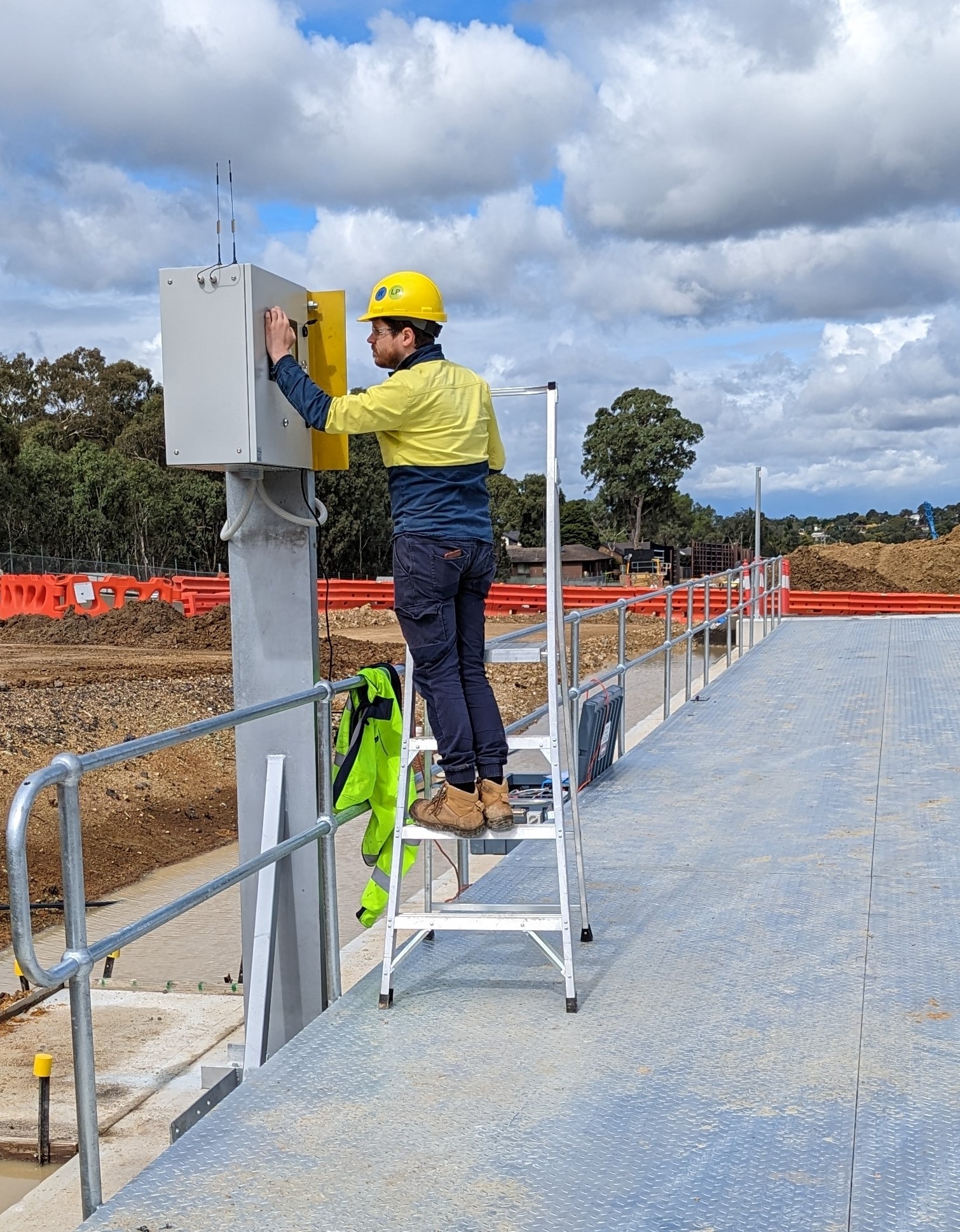
Automating a site does not always require replacing the entire weighbridge. A solution may integrate with an existing weighing indicator and add the kiosk, software, communications and peripheral equipment required for self-service operation. Compatibility must be reviewed during the design stage, including the indicator protocol, available interfaces and condition of existing equipment.
What should be considered before automating?
The right design depends on more than the scale. Before selecting equipment, consider:
- Who will use the facility and how they should be identified
- Whether payment is required at the kiosk
- Existing indicator models and communication protocols
- Vehicle approach, queuing space and driver reach
- Required docket, account and compliance information
- Boom gates, traffic lights, cameras and external displays
- Network availability, backup power and environmental exposure
- Remote support and the process for handling exceptions
Evaluating the business case
The potential return should be assessed using the site’s real operating data. Relevant factors include current staffing hours, transaction volume, avoidable data-entry work, queue delays, payment handling, desired operating hours and the cost of errors or incomplete records.
A lower-volume remote facility may value unattended availability, while a busy site may focus on throughput and consistent processing. Defining the operational objective first makes it easier to select the right level of automation.
A complete system, not just a kiosk
Reliable weighbridge automation depends on the integration between hardware, software and site infrastructure. The kiosk is the visible part, but communications, indicator compatibility, payment services, cameras, access controls, records and support processes must operate together.
Startek Technology designs integrated weighbridge kiosk solutions for new and existing sites, including indicator integration, payment, vehicle identification, ticket printing, surveillance and access control.