
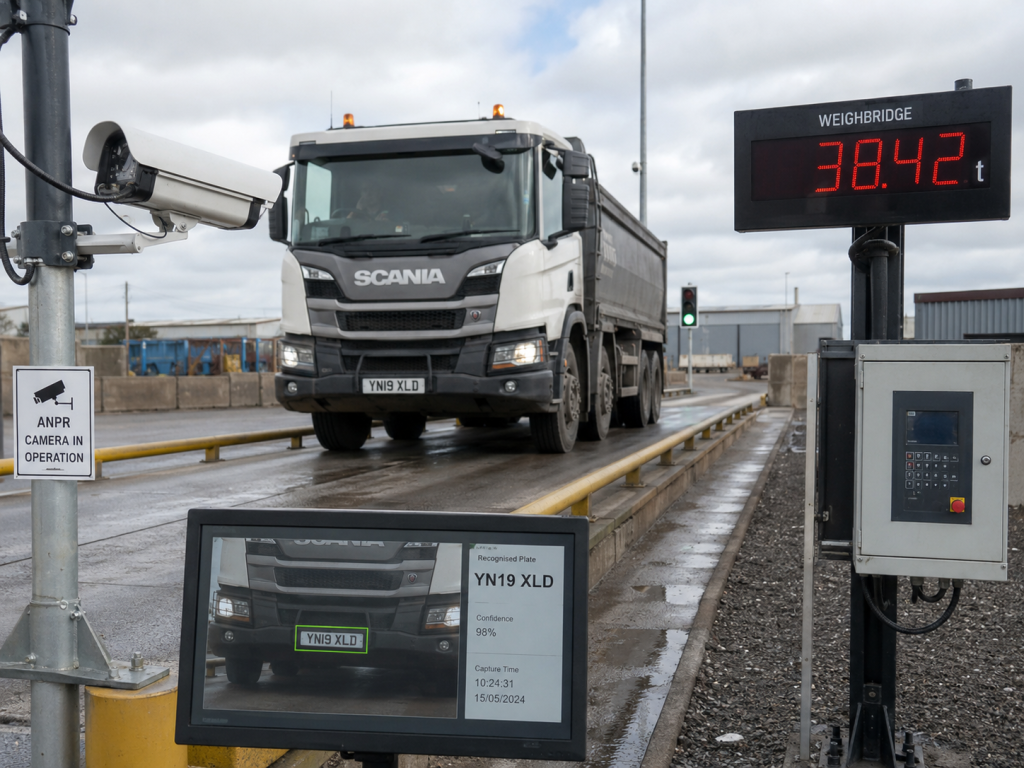
Weighbridge software does more than record a weight. It controls the transaction flow around the scale, connecting indicator data, driver prompts, payment rules, ticketing and reporting into one usable system.
For Australian public and industrial sites, the practical question is whether that software can fit the way the site already works. Existing indicators, kiosk steps, access controls and reporting requirements usually decide whether a project stays straightforward or becomes difficult later.
What weighbridge software is really controlling
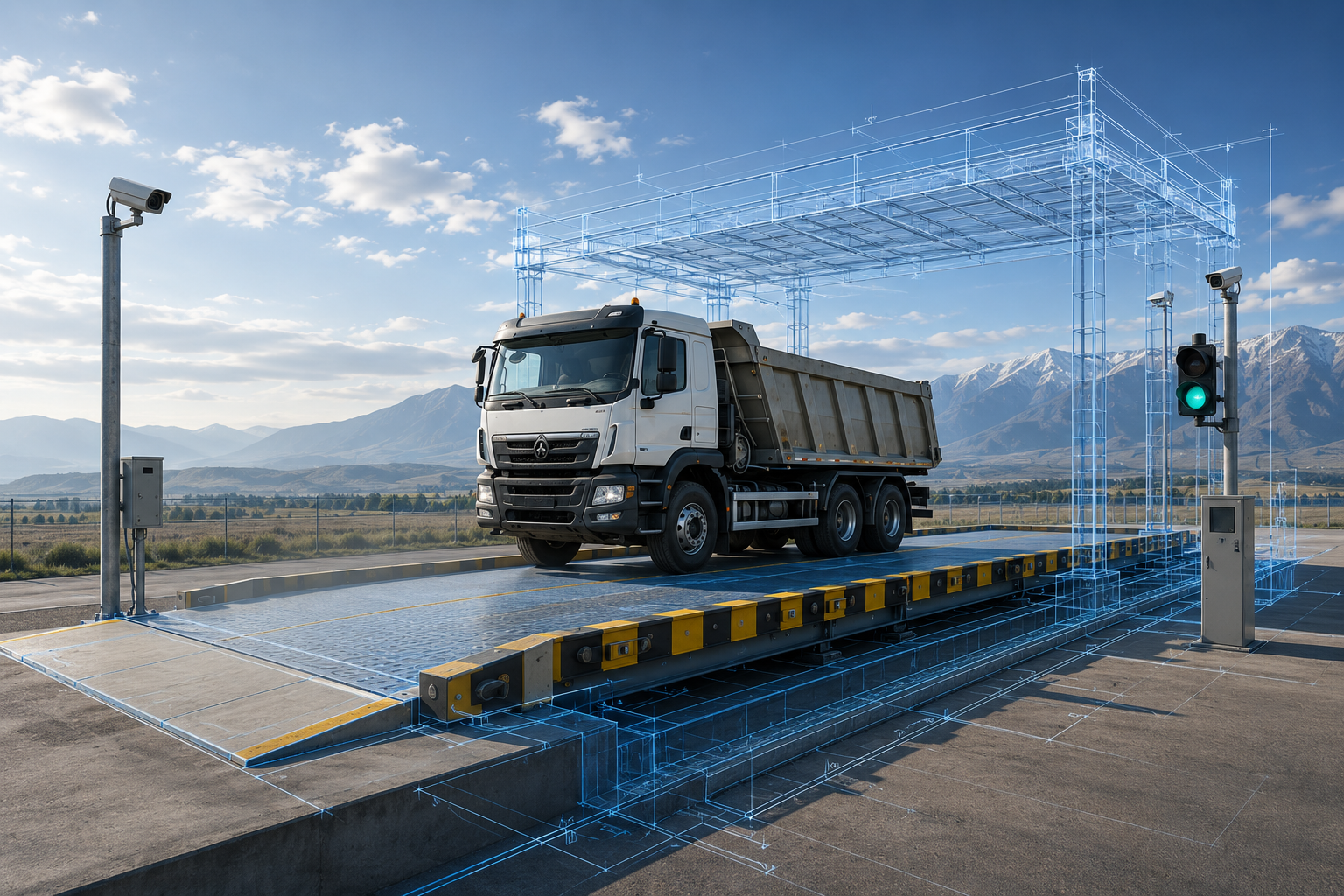
A modern weighbridge system depends on software to decide what data is collected, when each device should respond and what record should be produced at the end of the transaction. That is why weighbridge software Australia buyers are usually evaluating more than a simple database or reporting screen.
- Transaction rules: inbound and outbound logic, customer type, prompts and exception handling.
- Indicator integration: communication with the site’s weighing indicator for stable weight data.
- Driver identification: support for tags, PINs, accounts, QR codes or ANPR-based workflows where required.
- Payments and dockets: account charging, self-service payment and transaction records.
- Site equipment: coordination with kiosks, boom gates, traffic lights, cameras, intercoms and displays.
That operating layer is what turns separate hardware items into one automated weighbridge system rather than a collection of disconnected devices.
How it fits public and industrial sites
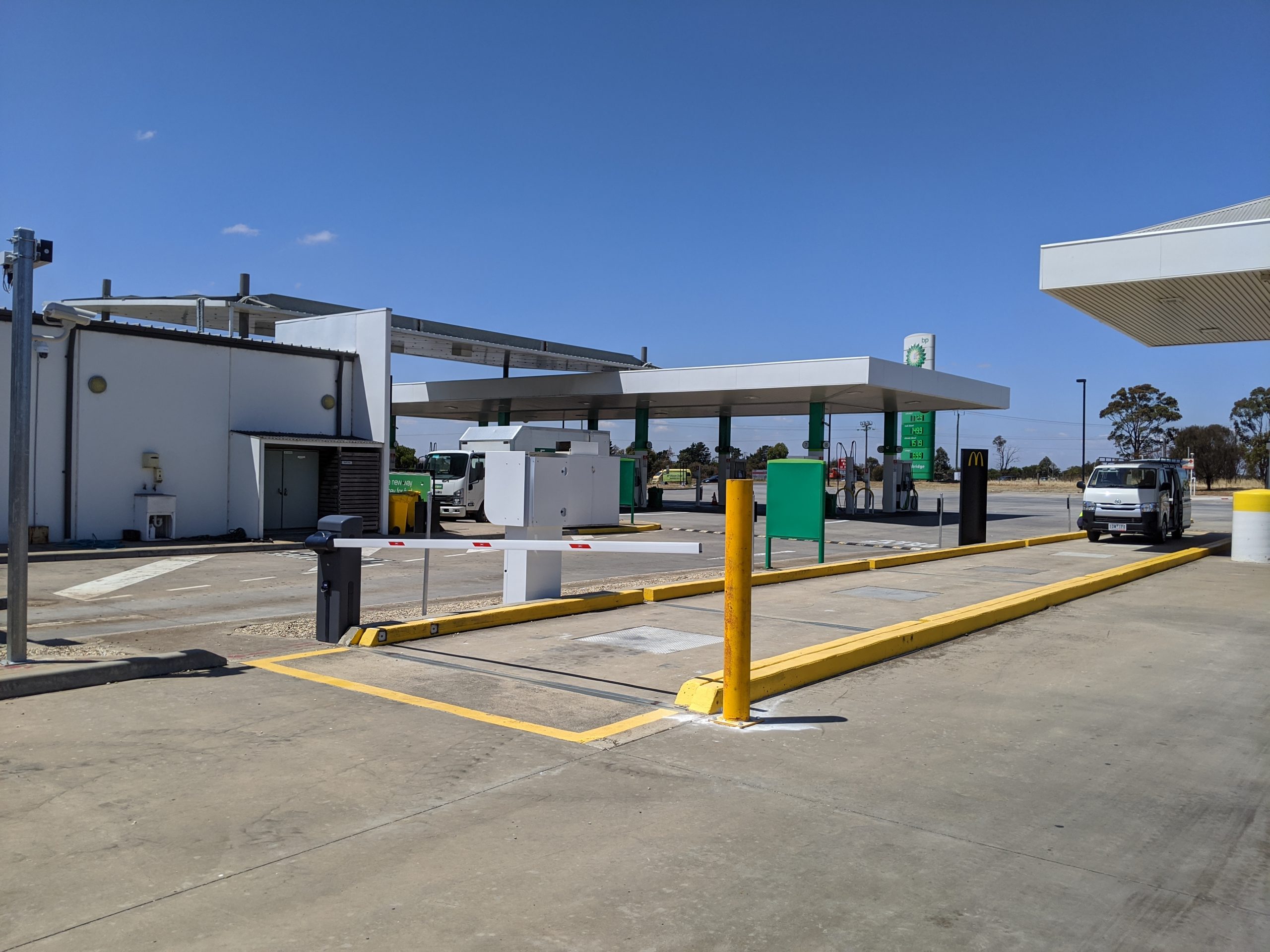
Australian weighbridge operations vary widely. A public weighbridge may need self-service payment, ticket printing and remote monitoring. A quarry, recycling centre, agricultural site or freight operation may care more about repeatable driver flow, account handling and traceable records.
Startek’s live site shows that wider context. The Kiosk page highlights integrated payment, ticket printing and indicator compatibility, while the Projects page describes an automated public weighbridge with ANPR, online payments, remote monitoring and account management. Those examples matter because the software has to suit the operating model around the weighbridge, not just the scale itself.
What to check before choosing weighbridge software Australia
Before committing to a platform, it helps to test the software against the site details that usually create delays later:
- Existing indicator models and communication protocols.
- Whether the driver needs self-service identification, guided prompts or payment at the kiosk.
- What records must be printed, stored, reconciled or reissued.
- Whether gates, cameras, ANPR, traffic lights or remote displays need to be triggered during the transaction.
- How exceptions are handled if a driver needs help or a device is unavailable.
If you are comparing end-to-end automation rather than the software layer specifically, Startek’s Weighbridge Automation page is still the broader overview. This article is intentionally narrower and more focused on software selection and integration planning.
Why integration matters
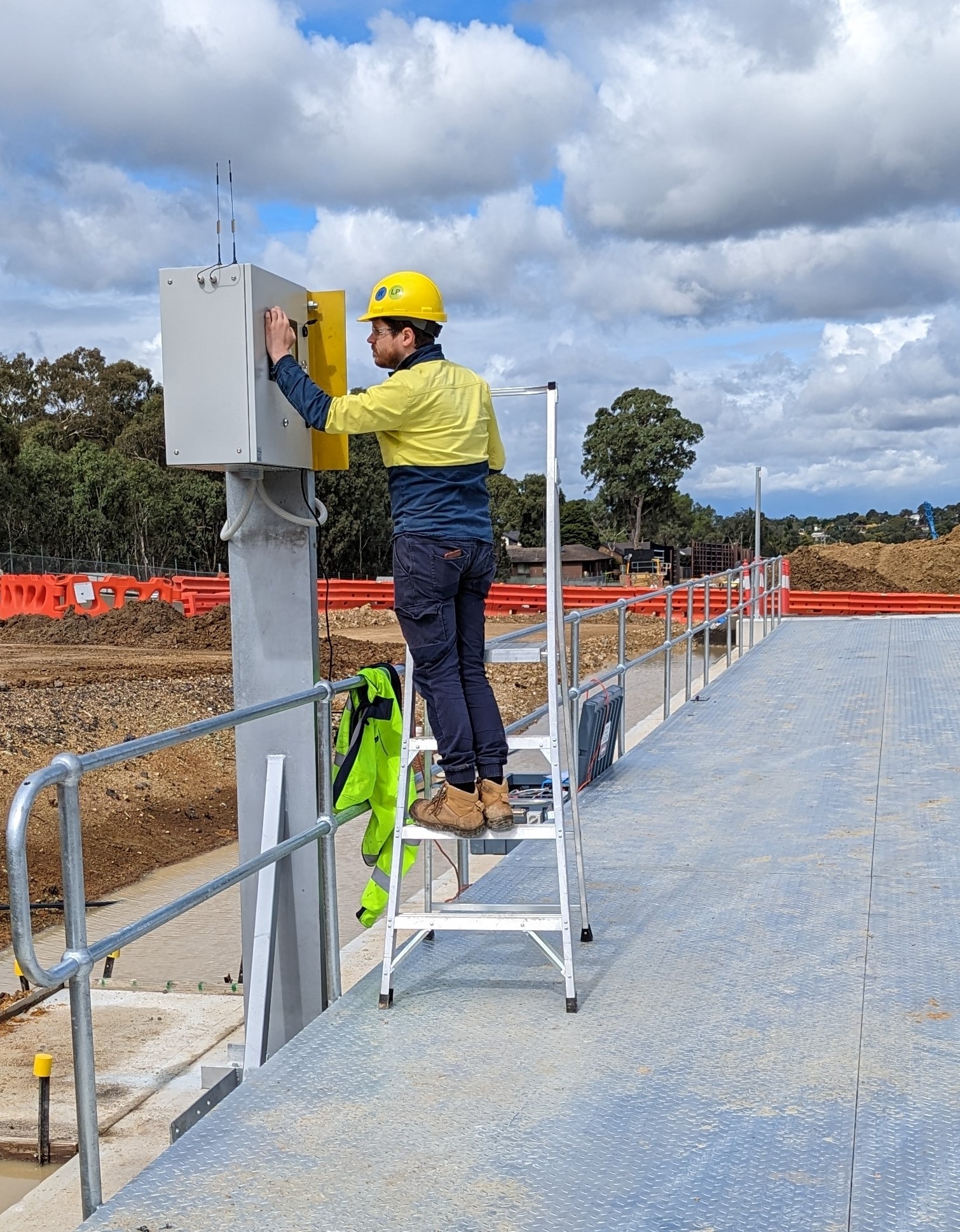
For many sites, the software experience is inseparable from the driver interface. If the transaction begins at a kiosk, the software must present clear instructions, gather the right inputs and move the driver through the process without unnecessary hand-offs. That is why Startek positions its weighbridge kiosk systems around integrated touch screens, indicator communication, payment options, docket printing and access control.
It also means a new software layer can sometimes improve the operation without replacing the weighbridge itself. Where the scale remains serviceable, the upgrade may focus on the transaction process, device integration and reporting around it.
Planning the next step
Startek presents verified capability across software, embedded systems, indicators, cameras, access control and integrated weighbridge deployments. For a buyer comparing weighbridge software Australia providers, that makes the discussion more practical because the same team can review the process, design the integration path and connect the required devices into one working system.