
RS232, RS485 and Ethernet can all connect industrial equipment, but the interface name alone does not establish compatibility. A successful connection depends on the available ports, wiring, communication settings, application protocol and the way each device handles missing or invalid data.
This RS232 vs RS485 vs Ethernet guide gives project teams a practical way to review an existing system or plan a new integration. It uses current Startek product examples without assuming that one interface suits every site.
Start with an equipment and data audit
Record the exact manufacturer, model and firmware for each device before selecting a cable or converter. Check the available ports on the weighing indicator, controller, display or field device. Then document the data that must move between them and the action the receiving system must take.
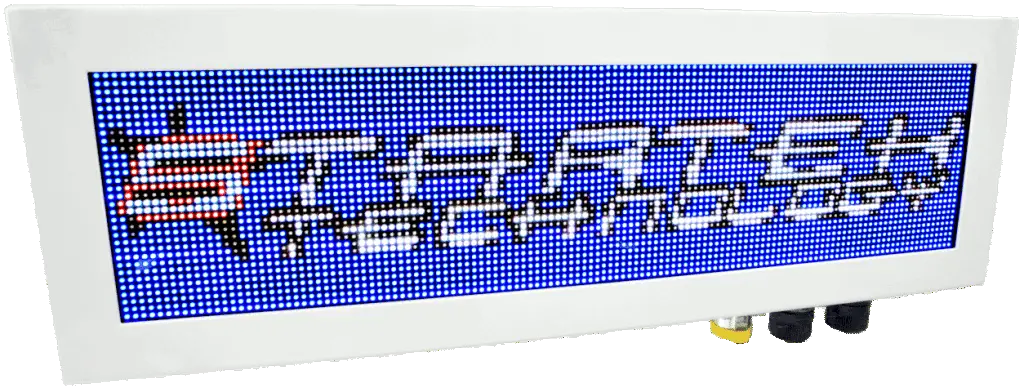
The audit should separate the physical interface from the application protocol. Two devices may expose the same type of port while using different message formats, speeds or operating rules. Startek’s STM42 industrial display, for example, lists RS232, RS485, Ethernet, Wi-Fi and TCP/IP connectivity along with support for more than 25 indicator protocols. The project team still needs to match the selected interface and protocol to the source equipment.
Review an RS232 connection
RS232 appears on many established indicators, controllers and serial accessories. For an RS232 path, confirm the connector and pinout, the communication settings and which device sends the required data. Include the message format and update behaviour in the interface record.
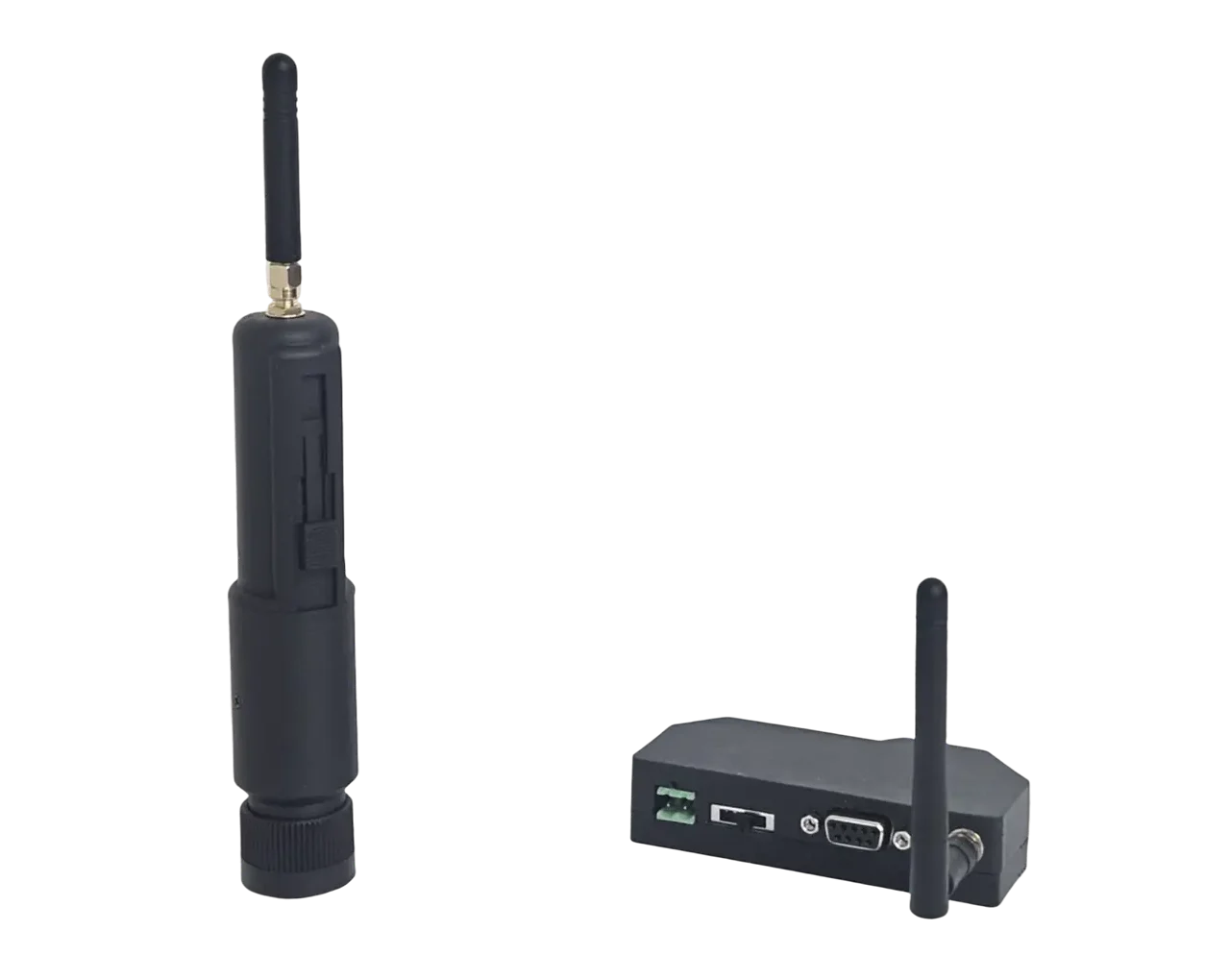
Startek’s ST433-DB9 transceiver provides a current product example. Its published specification describes a DB9 RS232 interface, configurable baud rate and use with existing RS232 equipment. The product carries arbitrary RS232 signals over the ST433 radio link, so the equipment at each end still needs compatible serial settings and data.
Document the complete RS485 interface
An RS485 label gives the project team a starting point. The equipment manuals must supply the terminal arrangement, polarity, addressing, communication settings and manufacturer instructions for wiring and termination. Record those details for both ends of the connection before installation.
The STM42 lists RS485 as one of its communications options. A project using that interface should confirm the selected STM42 configuration and the indicator or controller requirements together. That check prevents the team from treating the physical connection as proof that the devices exchange the same messages.
Plan Ethernet integration with the network owner
Ethernet integration adds network decisions to the device interface. Confirm the physical port, addressing method, application protocol and the system responsible for connection recovery. The site network owner should also define switch access, network separation, approved addresses and the support path for a disconnected device.
The STM42 page lists Ethernet, Wi-Fi and TCP/IP connectivity. Startek’s Embedded Systems & Integration service also covers industrial networking and software connectivity between field devices, applications and infrastructure. Those capabilities support a wider integration discussion, but the project still needs a documented protocol and network plan for the installed equipment.
Compare the interfaces against the same questions
| Interface | Confirm before design | Current Startek example |
|---|---|---|
| RS232 | Connector, pinout, communication settings, device roles and message format. | STM42 and ST433-DB9. |
| RS485 | Terminals, polarity, addressing, settings, wiring guidance and protocol. | STM42. |
| Ethernet | Port, network access, IP settings, application protocol, security requirements and recovery behaviour. | STM42 and Startek industrial networking work. |
Account for the installed site
An upgrade often starts with equipment from different suppliers or generations. Keep serviceable devices where they meet the project requirements, then identify the interfaces that need direct integration, a suitable gateway or new control hardware. Record enclosure locations, power, cable routes and access for testing as part of the same review.
Startek’s embedded systems process begins with equipment, site conditions and integration requirements, followed by design, build, configuration and testing. That sequence helps the team resolve interface questions before installation work begins.
Define faults and support information
Each connection needs a defined response when data stops, becomes invalid or arrives in an unexpected format. Decide what the controller should record, what an operator should see and which action the system may continue. A clear fault state prevents a communication problem from appearing as a valid transaction or device condition.
Support staff also need useful diagnostics. Record connection state, recent messages, configuration values and timestamps where the equipment permits it. Keep the approved settings with the system documentation so a replacement device or future upgrade starts from known information.
Commission one layer at a time
Prove the physical connection first, then confirm settings and message content before testing the complete workflow. Run normal operation and the main fault cases. For Ethernet integration, include network interruption and reconnection. For serial communication, include missing data, invalid data and a restart at either end.
A practical commissioning record should include:
- Exact equipment models and firmware.
- Ports, connectors, wiring and power arrangements.
- Communication settings and message format.
- Network and application protocol details where Ethernet is used.
- Expected data, commands and acknowledgements.
- Fault behaviour and operator messages.
- Test results for normal operation and connection loss.
Startek can review the equipment, industrial communications options and software connection as one integration task. Share the device models, available interfaces and required workflow through the contact page, or review the current Startek products that use serial and TCP/IP communications.